




Description
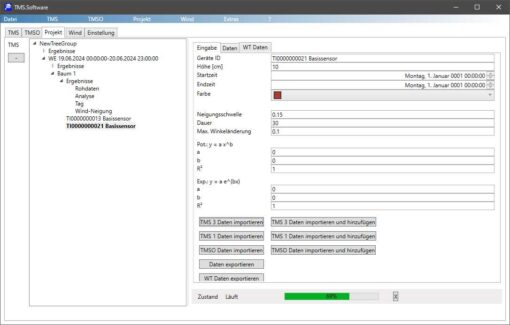
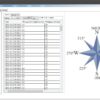
The TMS.software is designed for evaluating and analyzing measurement data from the PiCUS TMS 3 sensors. It is only used after the experiment has been completed and is not intended for remote control of the sensors in the field. To configure, start, or stop measurements directly on the tree using the sensors, you will also need the IML Tree Motion app.
After wind reaction measurements have been taken, the TMS.software offers the following functions for data analysis:
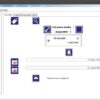
- Download of measurement data via Bluetooth
- Automatic archiving of all downloaded raw data in a download archive
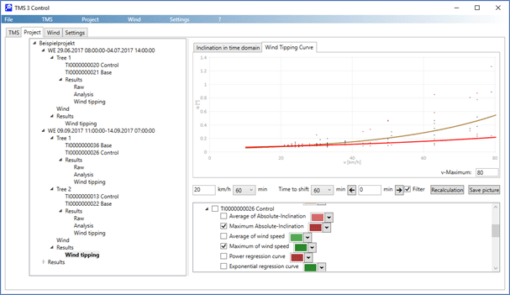
- Integrated project management for individual analysis of all trees measured during a wind event
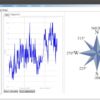
- Filter algorithms and statistical evaluation of the raw data
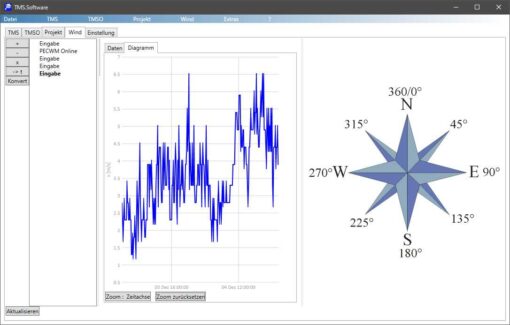
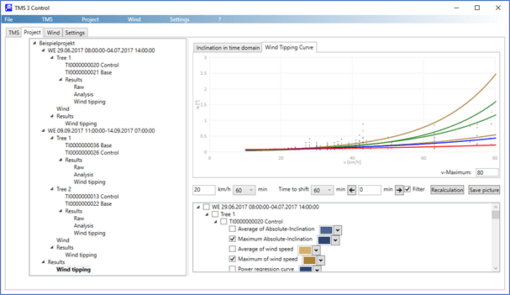
- Combination of tilt data with wind measurement data to determine wind tilt curves
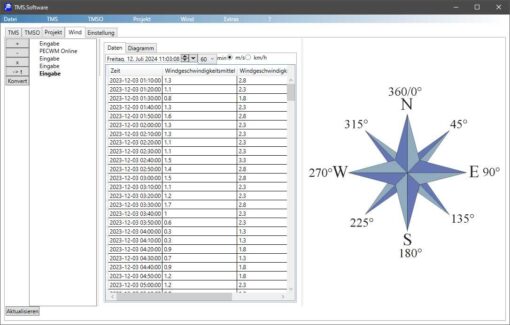
Wind measurement data can be imported from various sources. The following formats are supported, among others:
- Excel files in TMS.Software format (*.csv)
- Windlogger files (*.wlg or *.wlt)
- German Weather Service (DWD files / *.txt)
- WindFinder files (*.csv)
- Meteostat files (*.csv)
- Argus Logger files (*.wla)
- Manual entry of wind data
Additionally, an import function for Wunderground data is available.
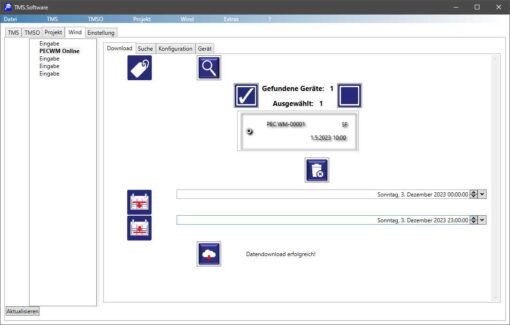
Besides external sources for wind data, data from the PiCUS wind measurement system can also be downloaded directly from the IML Cloud and integrated into projects.
In addition to measurement data analysis, the TMS.software offers several useful service functions for sensor maintenance:
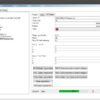
- Putting the devices into a battery storage mode before extended periods of inactivity to protect the inherently non-replaceable lithium-ion batteries.
- Changing device-specific authentication codes.
- Clearing the device’s internal memory.


